
Part 2 | A Game Library That Moves With You

Part 1 ended with a question: if the controller can move from phone to PC and Switch, can the games move with it?
The L06 answers by turning your phone into both a gaming device and a content manager.
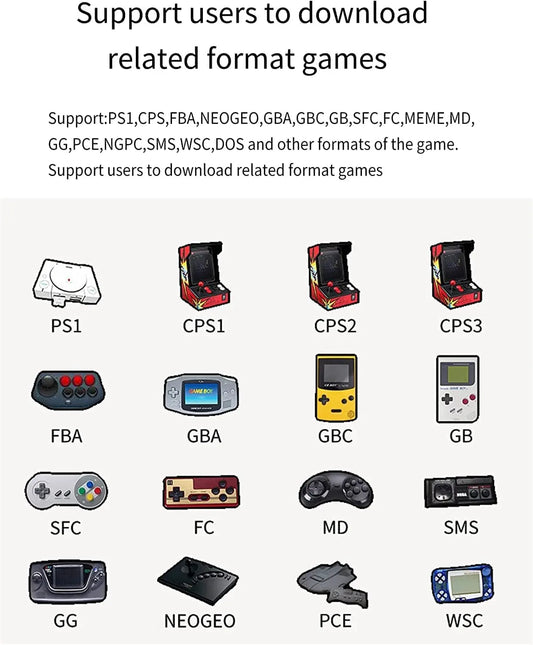
Its companion classic-game app offers more than 100,000 unique games, over 1,800GB of content, and as many as 17 console formats. The point is not to download everything—it is to choose what fits you.
📥 Download only what you want to play.
➕ Add new compatible content later.
💾 Avoid relying on one memory card for the entire collection.
📱 Find and manage games through your phone.

Where the software, files, and device are compatible, formats associated with PSP and selected classic Nintendo platforms may also be available. Content and compatibility can vary by app version, region, and device performance. Game files should be obtained legally.
A Large Library Still Needs Familiar Controls 🎮
Thousands of games mean little if they are awkward to control on a touchscreen.
That brings us back to Part 1: the L06 uses dual sticks, a directional pad, and physical buttons to carry the same library into mobile, PC, and other compatible scenarios. The content can keep changing while the controls remain familiar.
👉 Starting with this article? Read Part 1 to see how the L06 keeps the same feel across different screens.

🎁 Giveaway Entry
Five L06 controllers will be given away across this blog series, and this comment section is also an entry point.
Answer this question:

If you could download only five games first, which classic game style would you choose—and which device would you play on?
Please register an account so winners can be contacted through their registered email. Entry calculations across both articles, campaign dates, and delivery regions are subject to the final published rules.